Physical Address
Metro Manila, Philippines
Physical Address
Metro Manila, Philippines


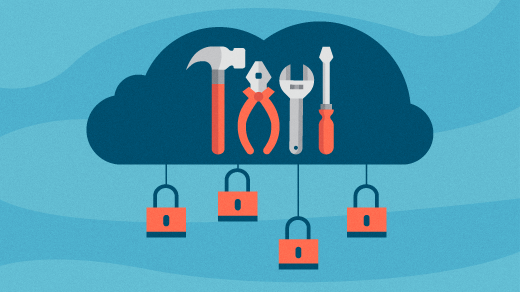
Open Source SysAdmin Tools and Resources Linux system administration has changed significantly since this resource was first published in 2017. Traditional responsibilities such as server installation, DNS, web hosting, databases, backups, networking, and security remain important. Administrators today also work…
If you are running a mission critical web server, or maintaining a storage server loaded with sensitive data, you probably want to closely monitor file access activities within the server. For example, you want to track any unauthorized change in system configuration files such as /etc/passwd.
This guide is intended as a relatively easy guide to harden the security on an Ubuntu Server. Although it is not recommended to follow everything in this article, as it is always on a case to case basis, but for…
The English Oxford Dictionary describes a guru as somebody who is an influential teacher or popular expert.
How though do you become an expert in the field of Linux? This guide highlights the steps you should follow in your quest to become an authority on Linux.
Many of these tools are ready to serve, via a quick install from either your package manager or by downloading them, individually, from their respected websites. But what if you wanted all of those tools, at the ready, on a single, programmer-friendly platform? If the thought of having every tool you need to develop, pre-installed on a Linux distribution, appeals to you, there’s a new platform in the works that might fit your needs to perfection.

A system administrator who assumes the role of the root user can permit other normal system users with the help of sudo command and a few configurations to run some commands as well as carry out a number of vital system operations including the ones mentioned above.
Alternatively, the system administrator can share the root user password (which is not a recommended method) so that normal system users have access to the root user account via su command.
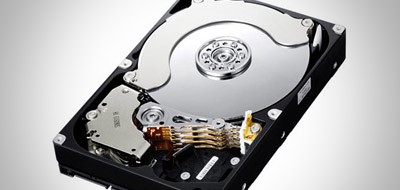
Some people suggest that the swap partition is no longer required. However disk space is cheap and so it does no harm to create one even if you never use it.
In this article I am going to be looking at the home partition. The main reason for having a home partition is to separate your user files and configuration files from the operating system files. By separating your operating system files from your user files you are able to upgrade your operating system without fear of losing your photos, music and videos.